Managing Your Credits: Product Auto Top Up
Managing Your Credits: Product Auto Top Up
Product Auto Top Up
Product Auto Top Up is a reseller billing feature that automatically replenishes a master account's credit balance when it falls below a specific threshold. This ensures your sub-accounts never run out of credits and your automated workflows continue without interruption.
How it Works
Auto Top-Up operates seamlessly in the background to manage your multi-product credit balances.
- Threshold Triggers: When your remaining credit balance drops below your configured threshold after a consumption event, the system automatically triggers a top-up.
- Fixed Top-Up Amounts: You configure a fixed number of credits to be purchased automatically each time the threshold is crossed.
- Automated Payments: The purchase is automatically charged to your Master account's default payment method.
Before You Start
Please ensure the following requirements are met before enabling Auto Top-Up:
- Master Account Access: Only reseller Master accounts can enable and configure auto top-up settings.
- Default Payment Method: You must have a valid default payment method saved in your account.
How to Configure
Auto Top-Up can be managed individually for each product (List Cleaning or Retention). To configure your settings, follow these steps:
1. Access Credit Management
2. Select Product Balance
3. Configure Auto Top-Up
Within the Auto Top-Up section, perform the following actions:
- Toggle Enable Auto Top-Up to the 'on' position.
- Set the Threshold: Enter the minimum credit balance (e.g., 1,000 credits) that will trigger a replenishment.
- Set the Top-Up Amount: Enter the number of credits (e.g., 10,000 credits) to be automatically purchased when the threshold is reached.
- NOTE: If no custom configuration is set, the feature remains disabled by default.
4. Manual Purchases
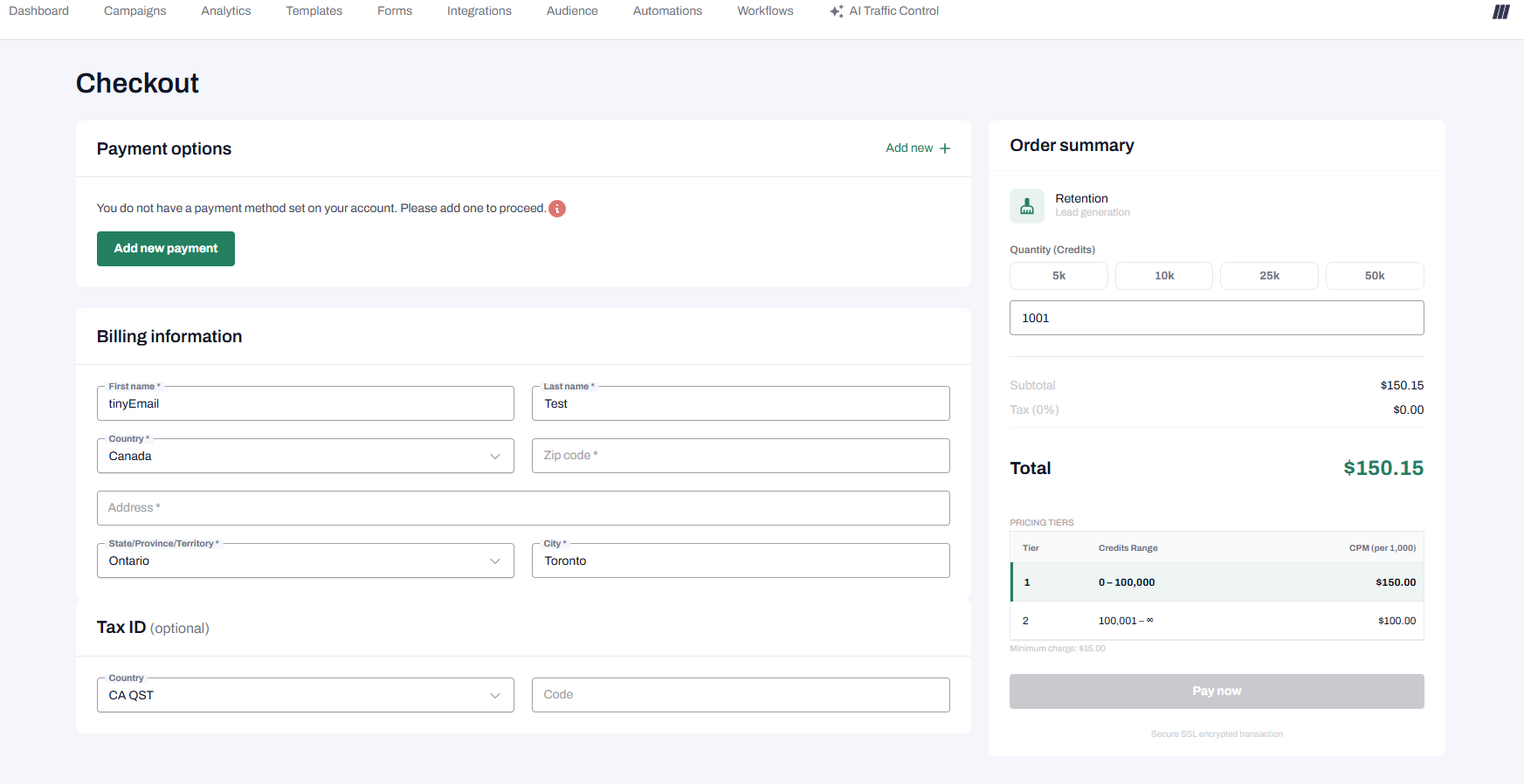
Regardless of your Auto Top-Up settings, you can still purchase credits manually at any time by clicking the Add Credits button.
Managing Failures and Notifications
The system is designed to keep you informed and ensure your operations aren't blocked by payment issues.
- Consumption Continues: If an auto top-up payment fails, the initial credit consumption transaction remains completely unaffected.
- Failure Notifications: In the event of a payment failure, the master account owner will immediately receive an automated system email notification so the issue can be manually resolved.